Buy a ticket
Happenings Web
Choose tickets for an event and continue to payment.
You can buy a ticket directly from an event page. Follow these steps to choose your ticket and review the order.
- 1
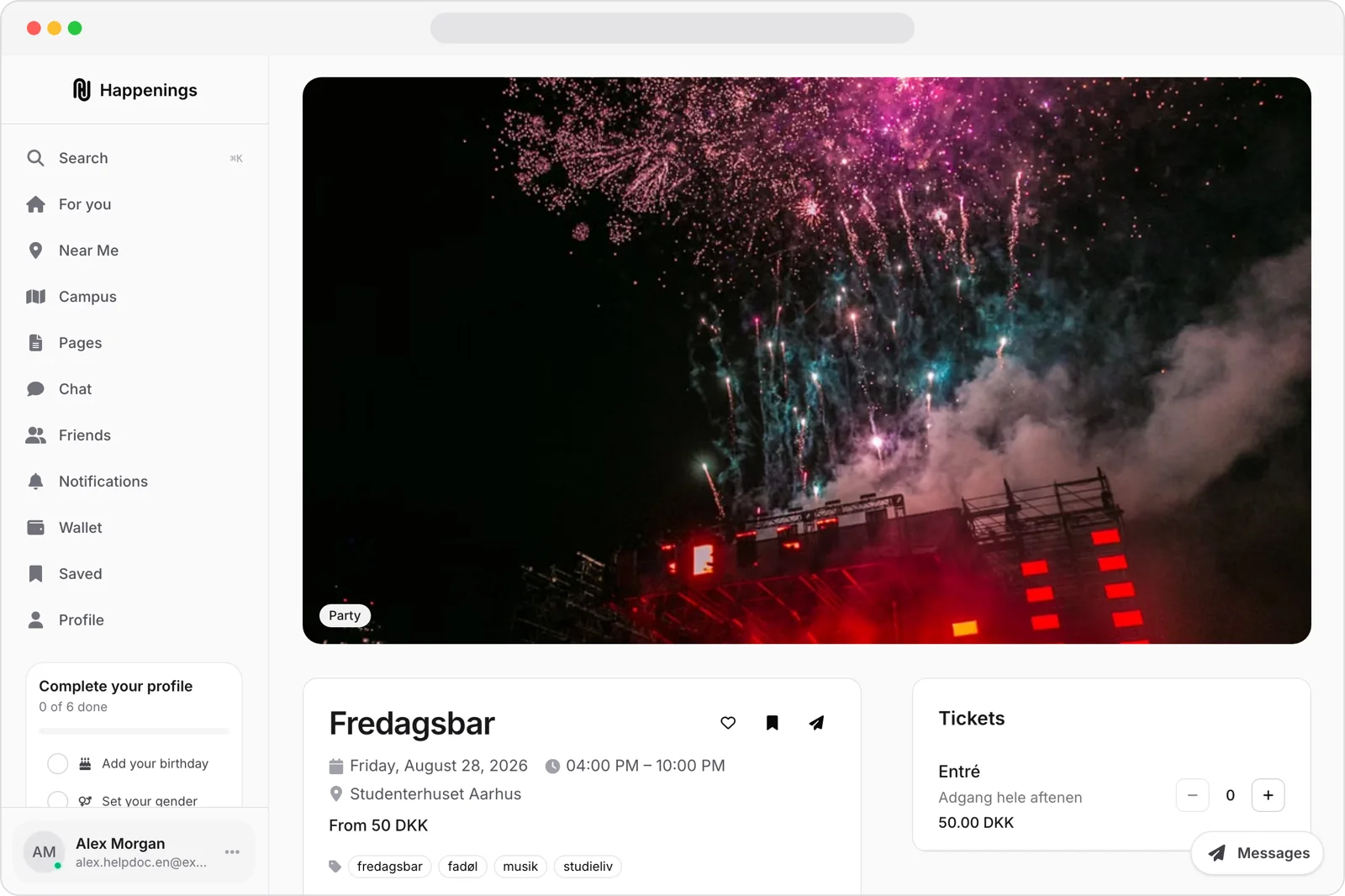
Open the event
Open the event page from your feed or a shared link.
- 2
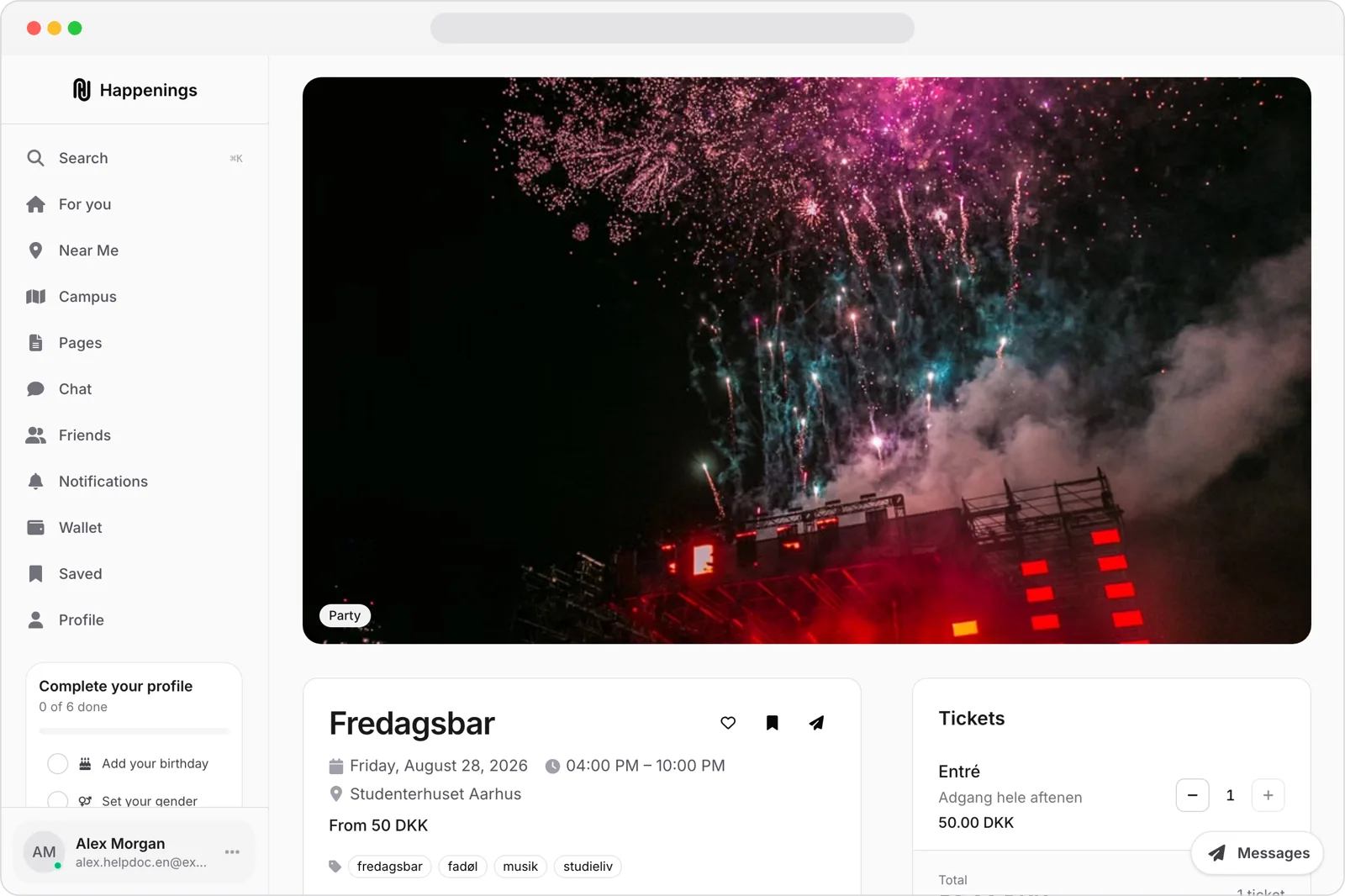
Choose your ticket
Under “Tickets,” choose the ticket type and quantity you want.
- 3
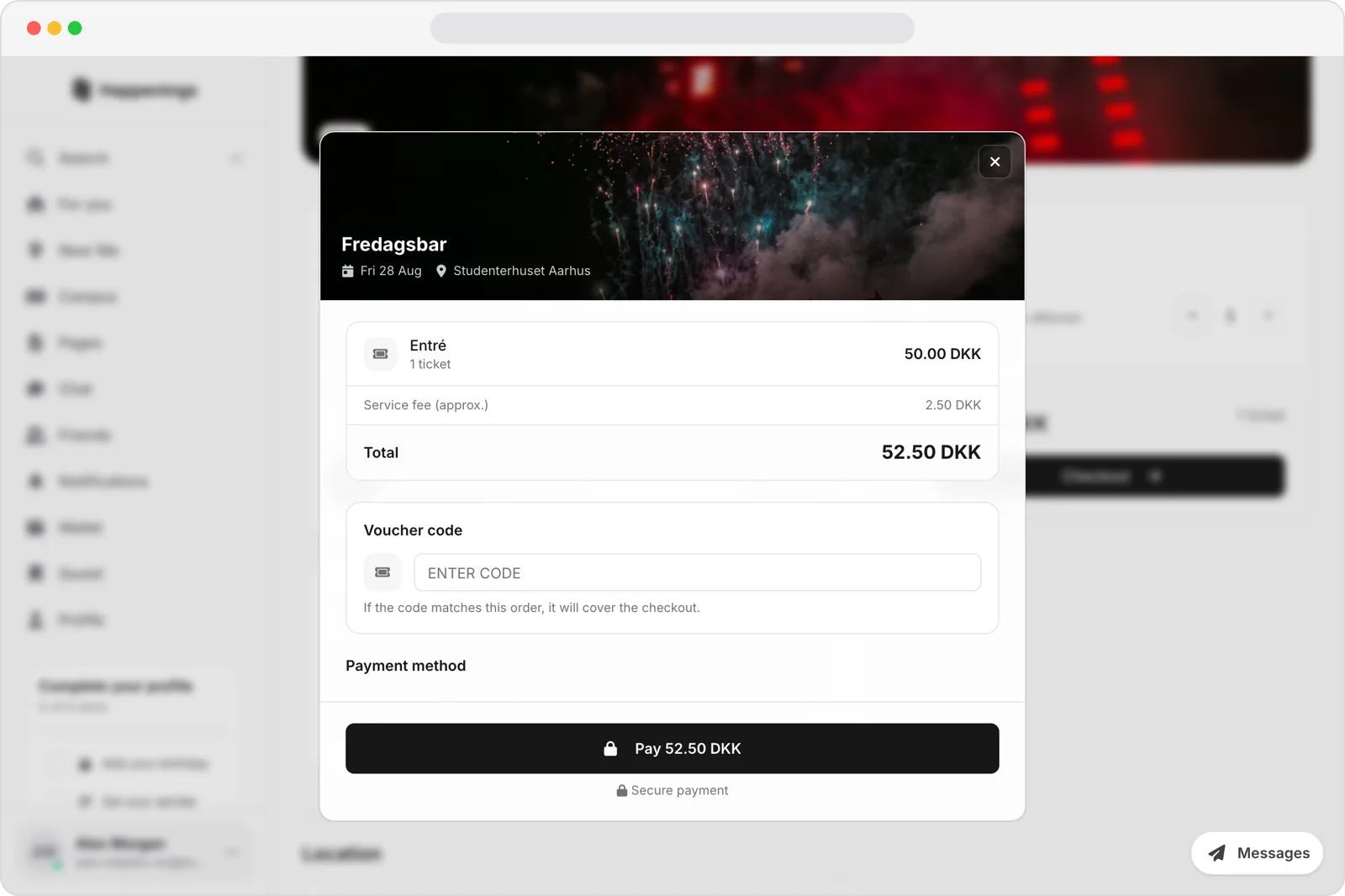
Review your order
Check the ticket price, service fee, and total. Then choose an option under “Payment method” and continue with payment.
Choose tickets for an event and continue to payment.
ticketsguide