Get a ticket for an event on iPhone
Happenings iOS
Choose an event ticket, pay with an available method, and find your ticket in Wallet.
You can buy a ticket directly from an event page. After your purchase, open the ticket in Wallet for check-in.
- 1
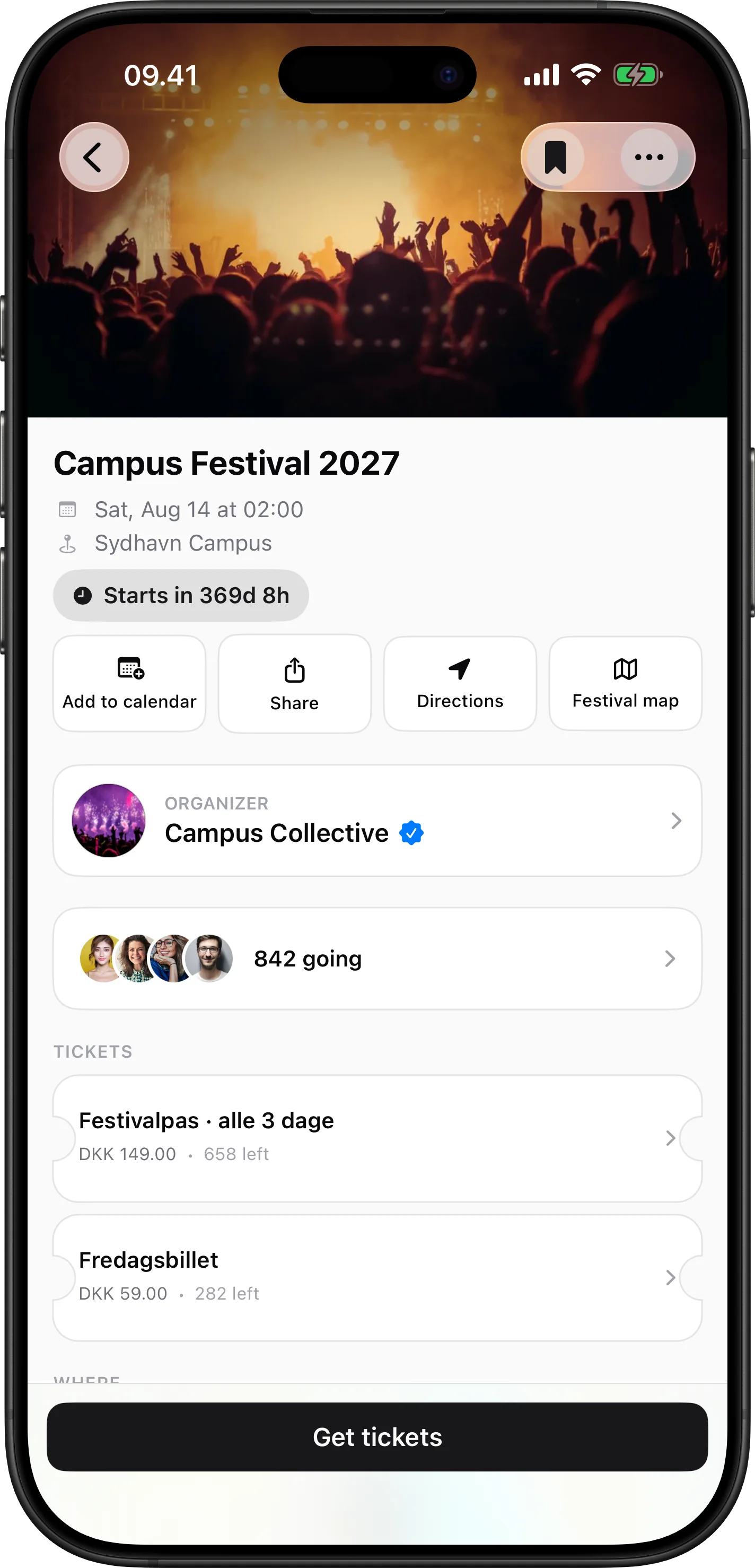
Open the ticket options
Open the ticketed event. Tap Get tickets.
- 2
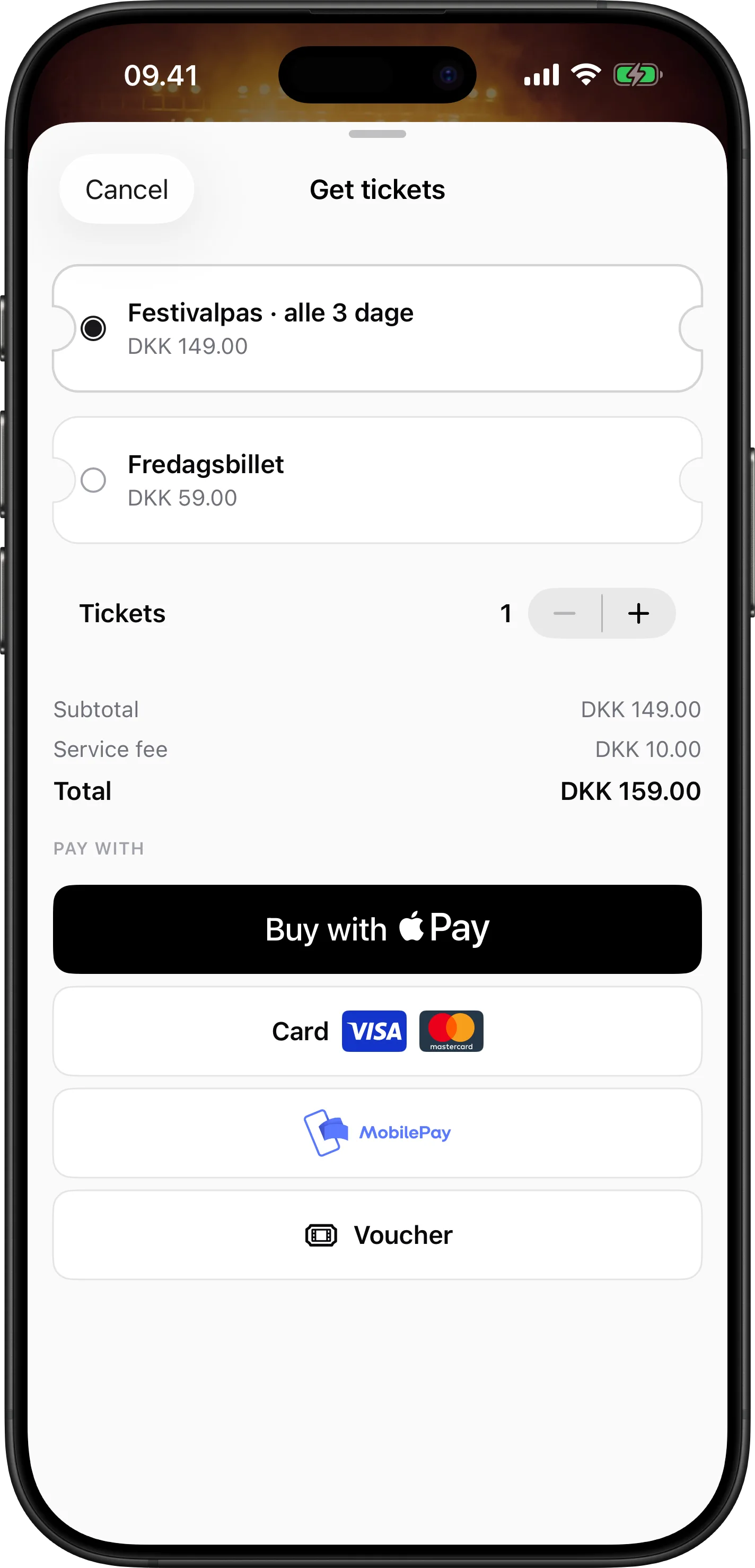
Choose and pay
Select a ticket type and use the plus or minus control to set the quantity. Continue with an available payment method.
- 3
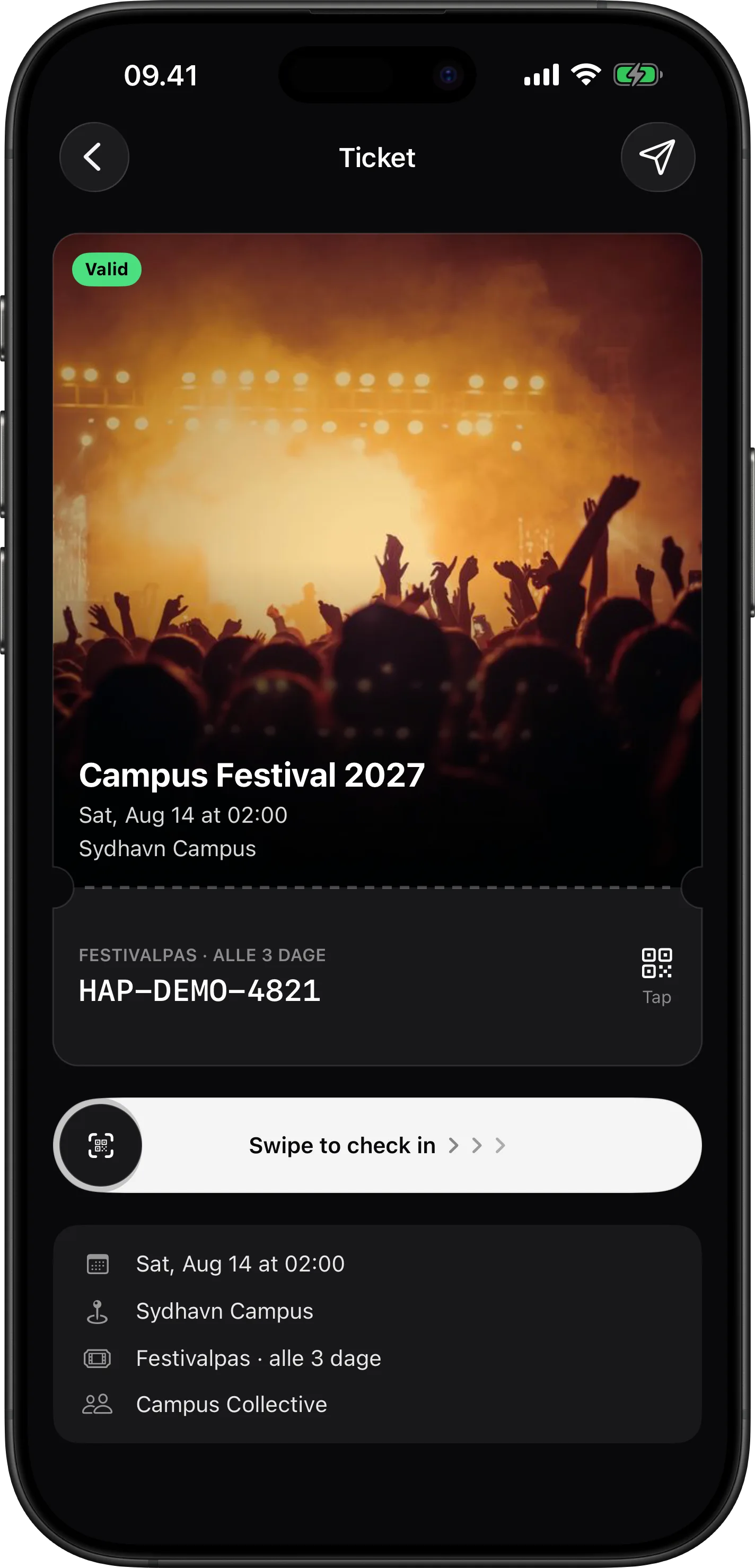
Open your ticket
After a successful purchase, open the ticket in Wallet. Tap the ticket card to flip it to the scannable code for check-in.
ticketsiosguide