Monitor arrivals and check in guests with Connect
Connect iOS
Track guest arrivals in real time and manually check in guests from Happenings Connect.
Use Connect to follow arrivals during your event. You can also find and check in individual guests manually.
- 1
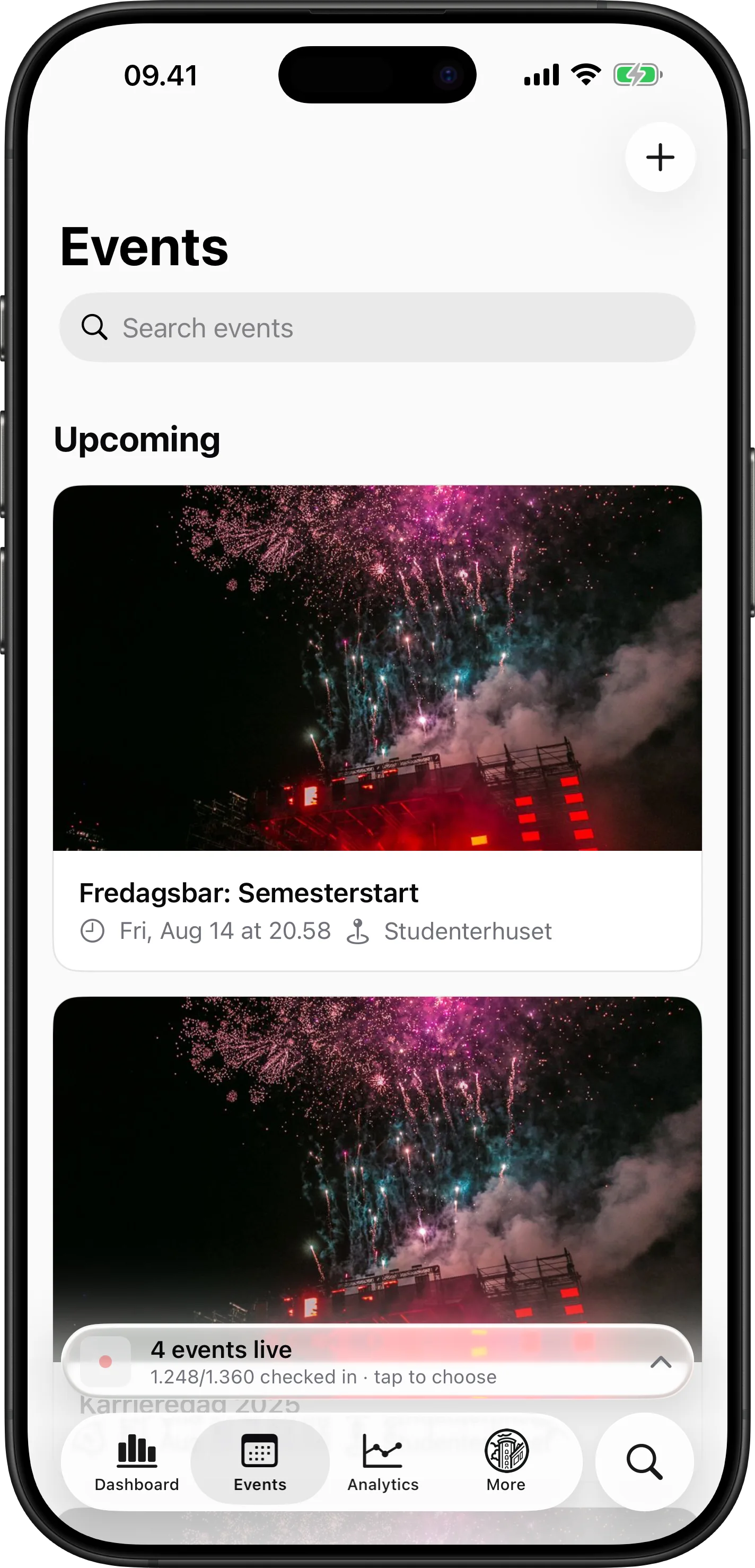
Open Events
Tap “Events” to find the event you are running.
- 2
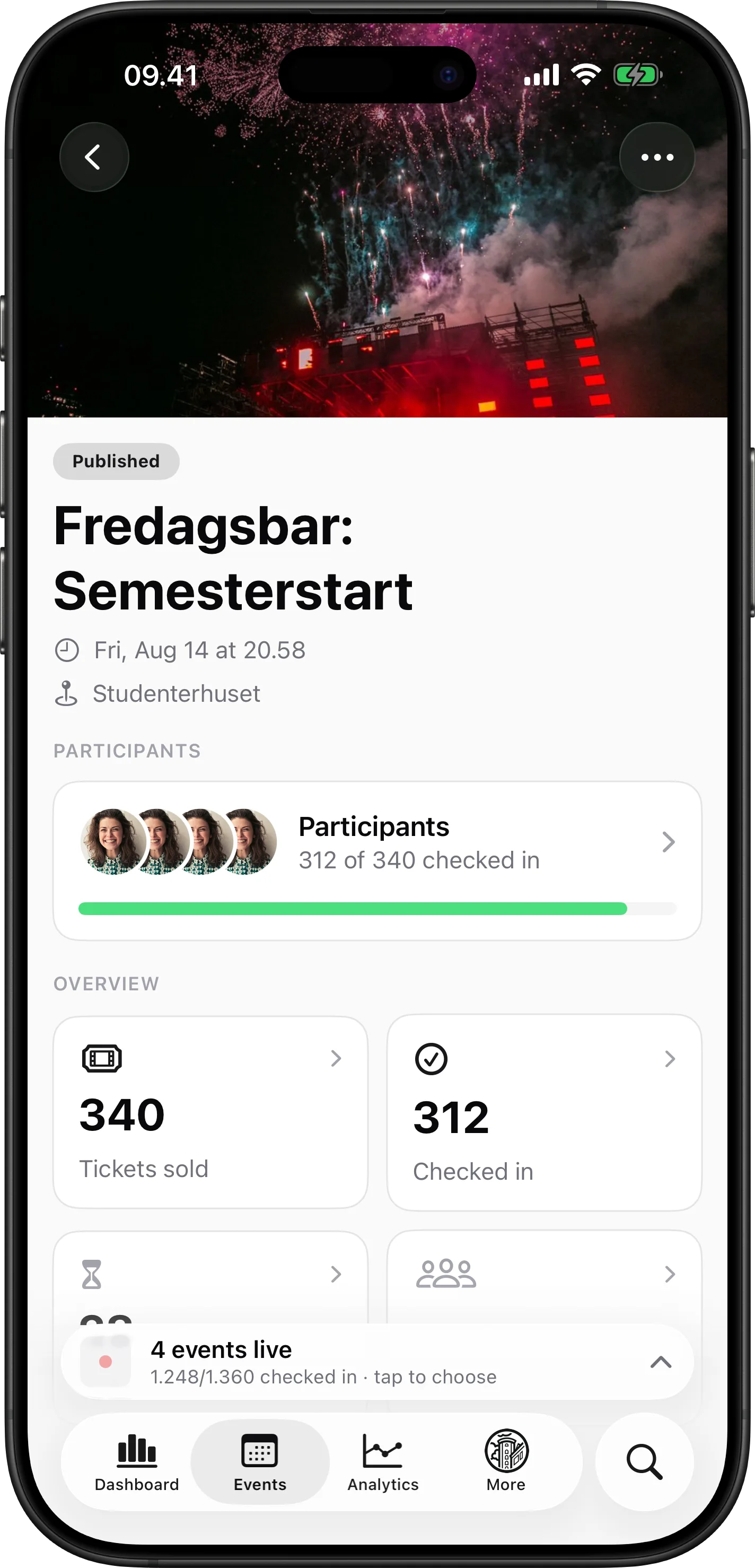
Open Live view
Open the event, then use the actions menu to reach Live view.
- 3
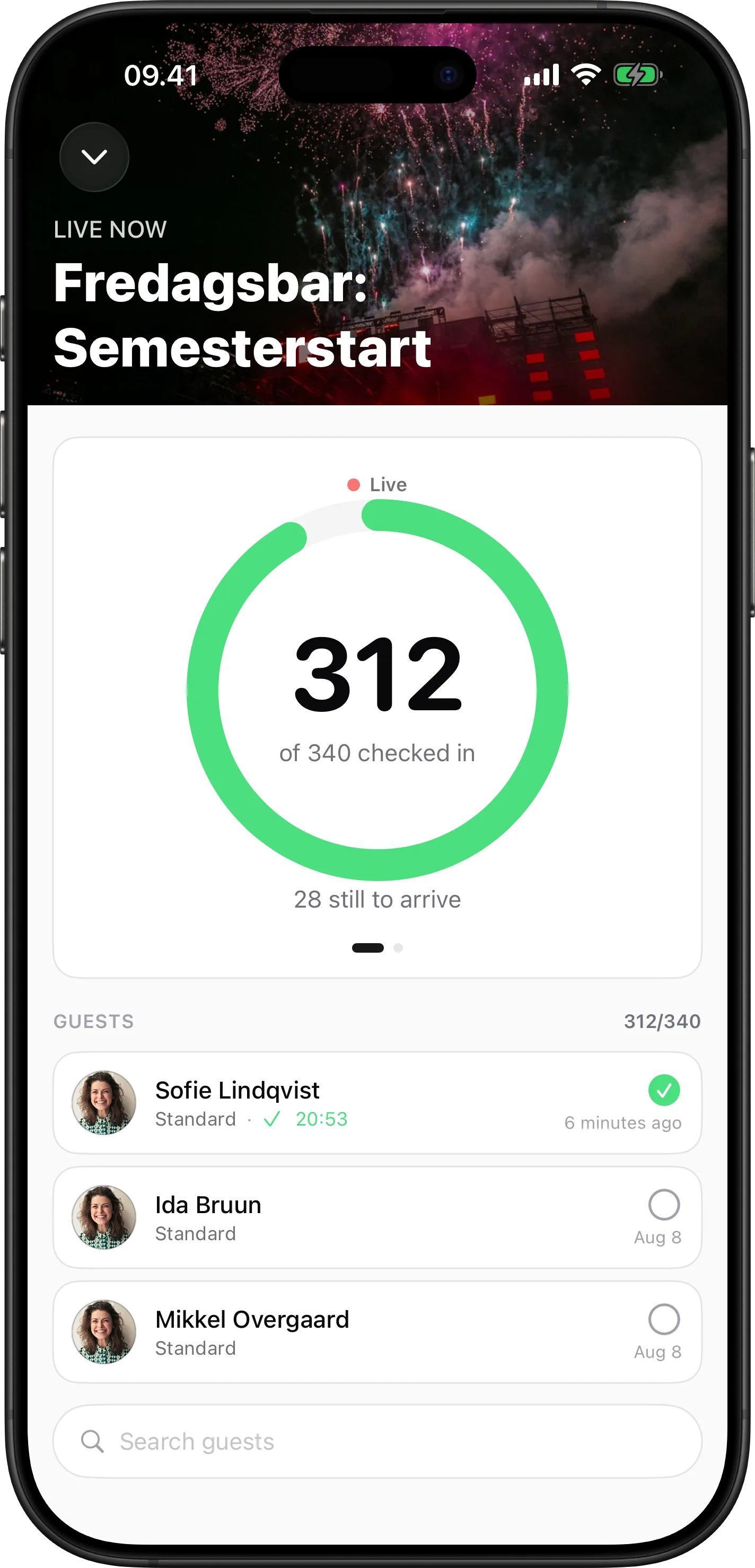
Monitor arrivals
Follow the checked-in total and see how many guests are still to arrive.
- 4
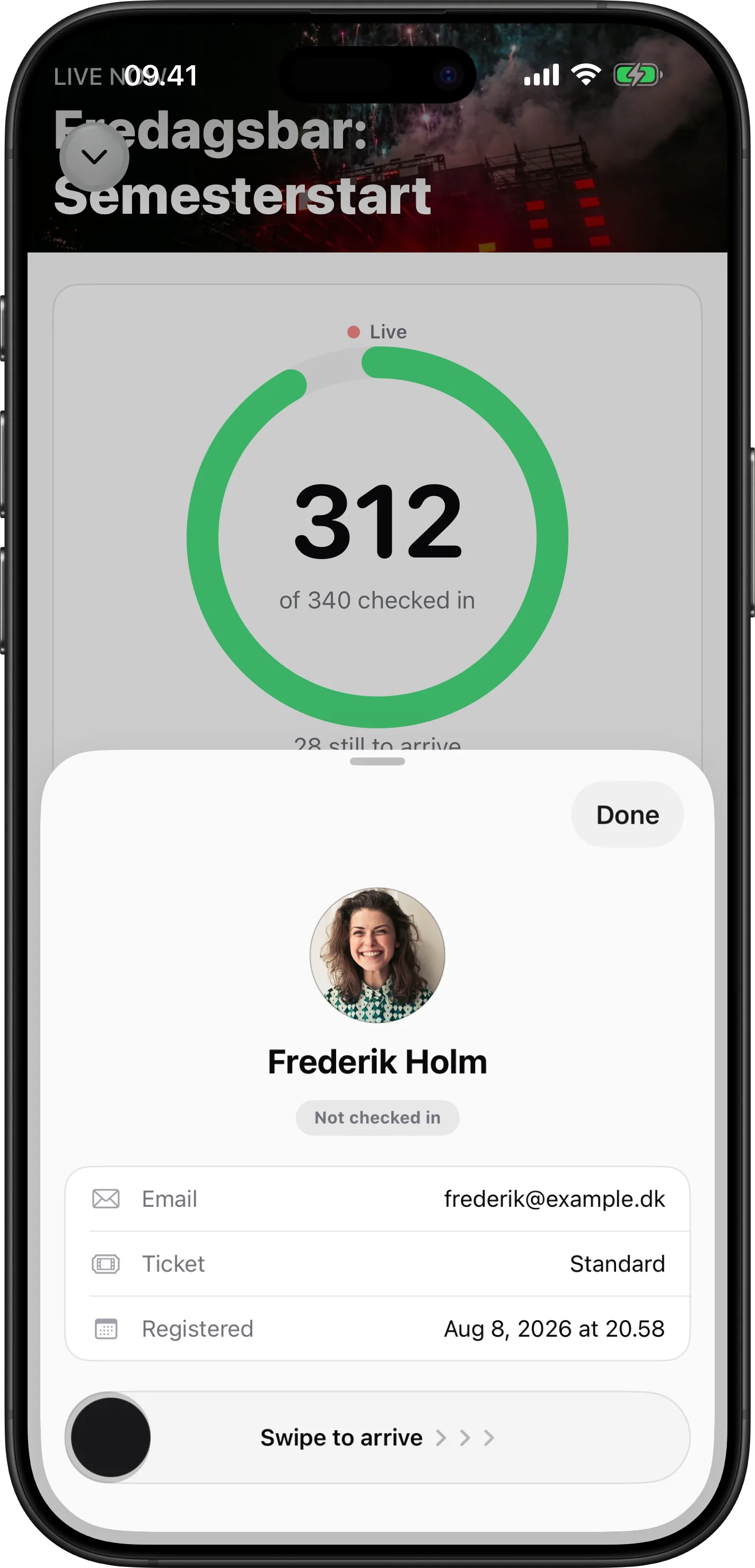
Check in a guest
Use “Search guests,” then open the participant. Drag “Swipe to arrive” to check them in manually.
eventscheck-inpage-adminguide