Register for a free event
Happenings Web
Choose your free tickets and confirm your registration.
You can register for a free Happenings event in a few quick steps. Make sure you select the number of tickets you need before confirming.
- 1
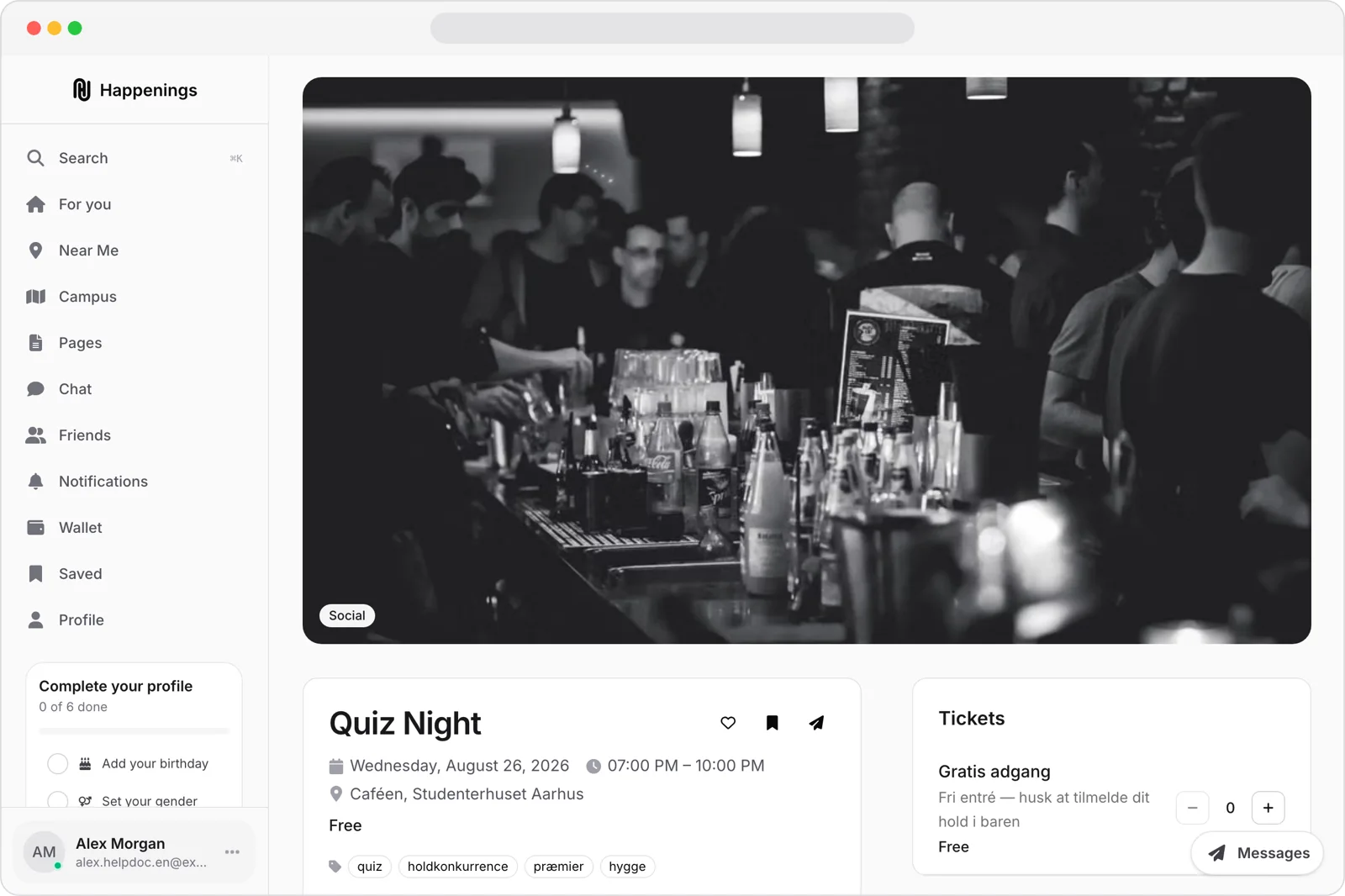
Open the event
Open the free event you want to join. Check the event details and find the Tickets section.
- 2
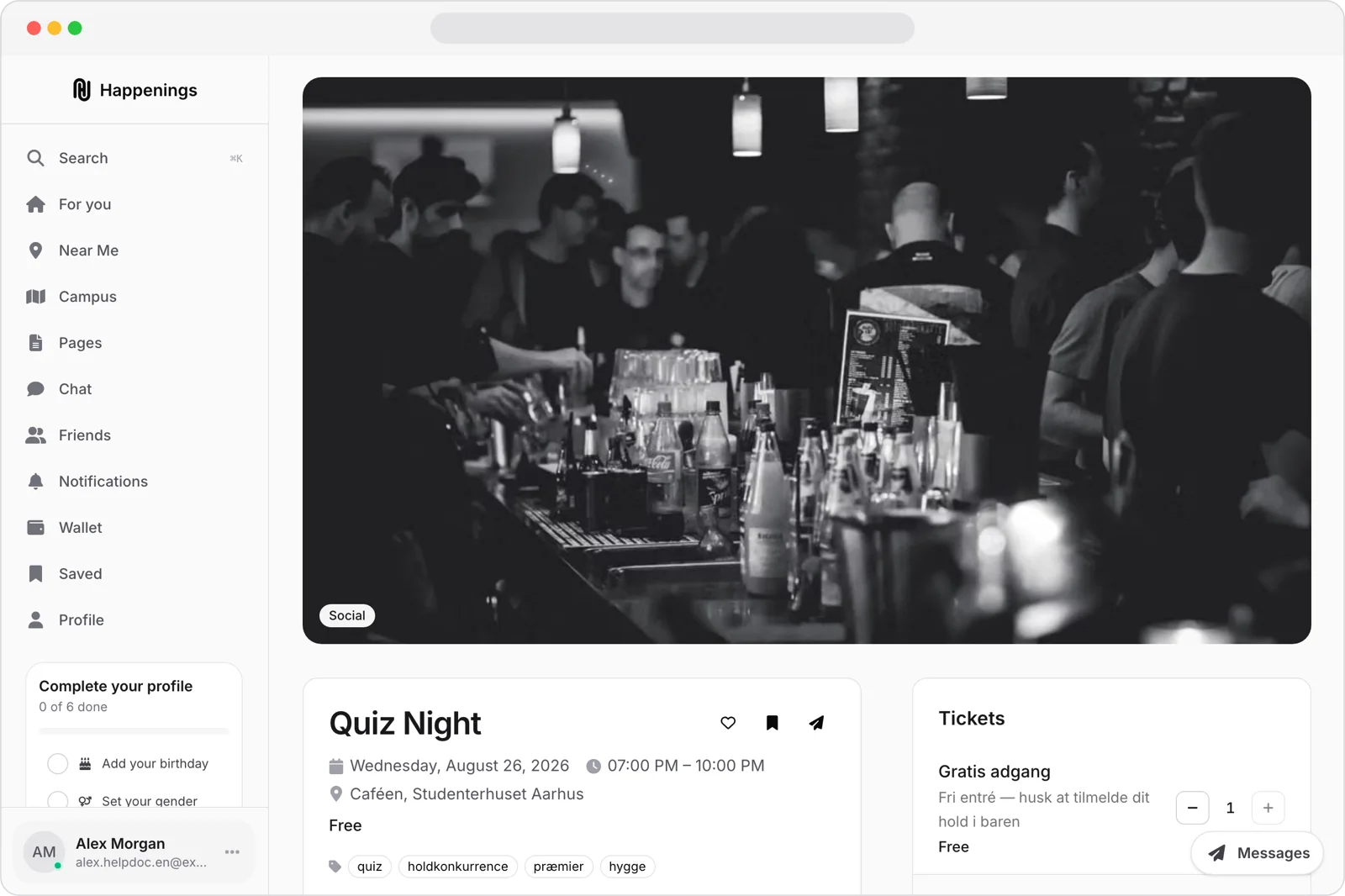
Choose your tickets
Use the plus and minus controls to choose the number of free tickets you need.
- 3
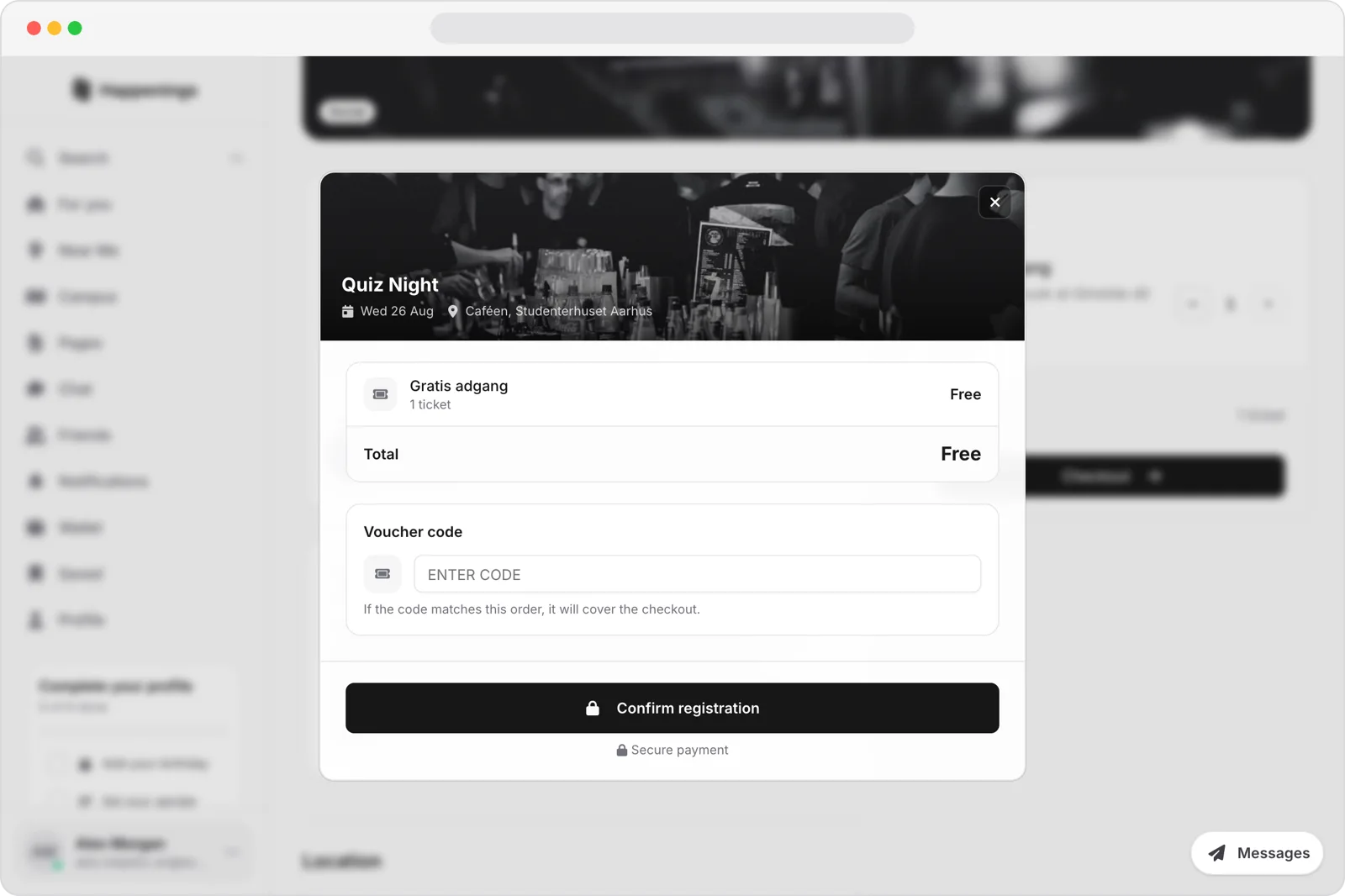
Confirm your registration
Review the order and check that the Total is Free. No payment method is required, so select Confirm registration when you are ready.
Choose your free tickets and confirm your registration.
ticketseventsguide