Redeem a voucher
Happenings Web
Redeem a voucher code and find the resulting items in your wallet.
Use the voucher link or QR code you received to redeem your item on Happenings.
- 1
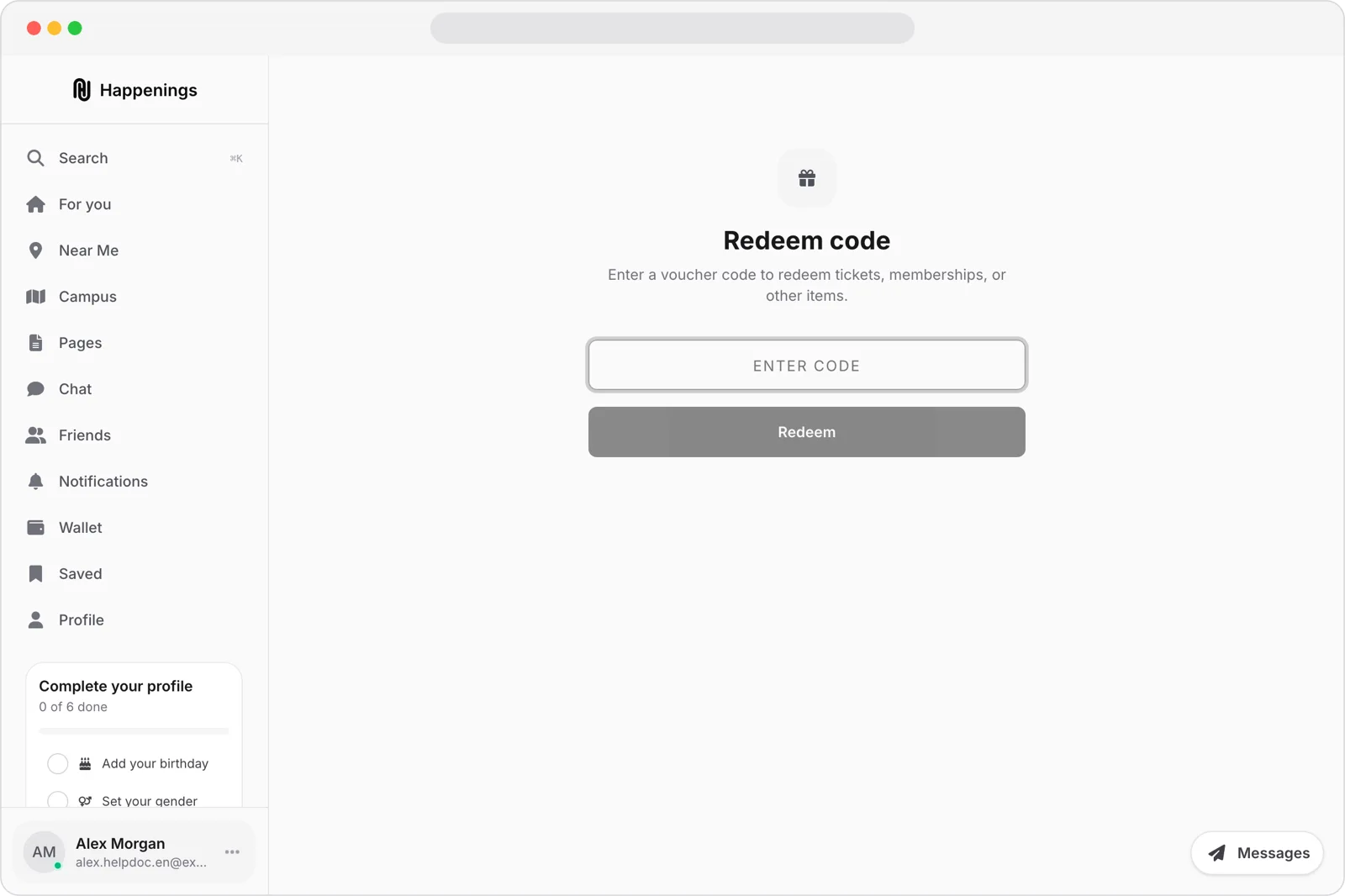
Open the redeem page
Open the redeem page from the link or QR code you received.
- 2
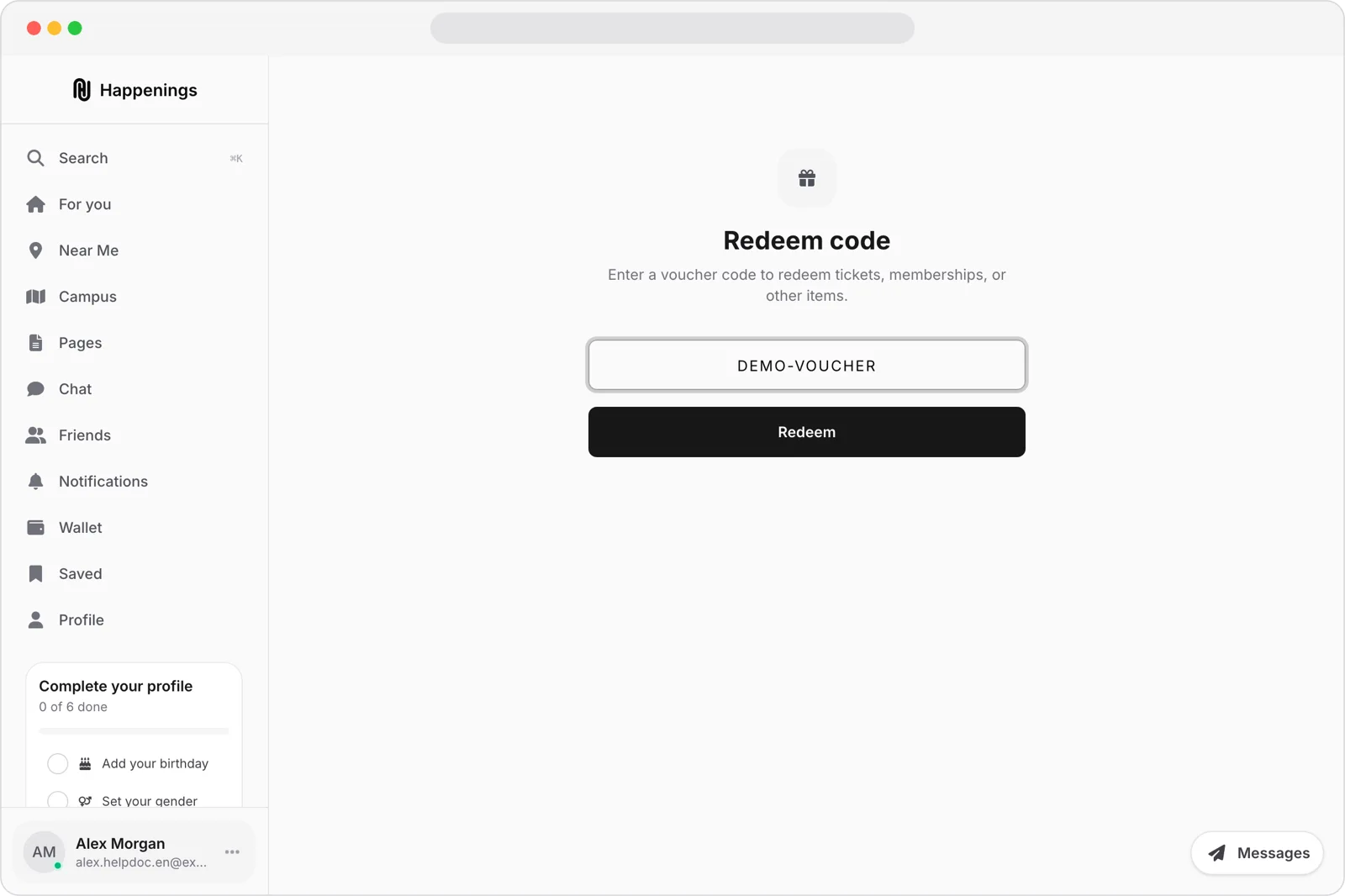
Enter your code
Enter the voucher code, then select “Redeem.”
- 3
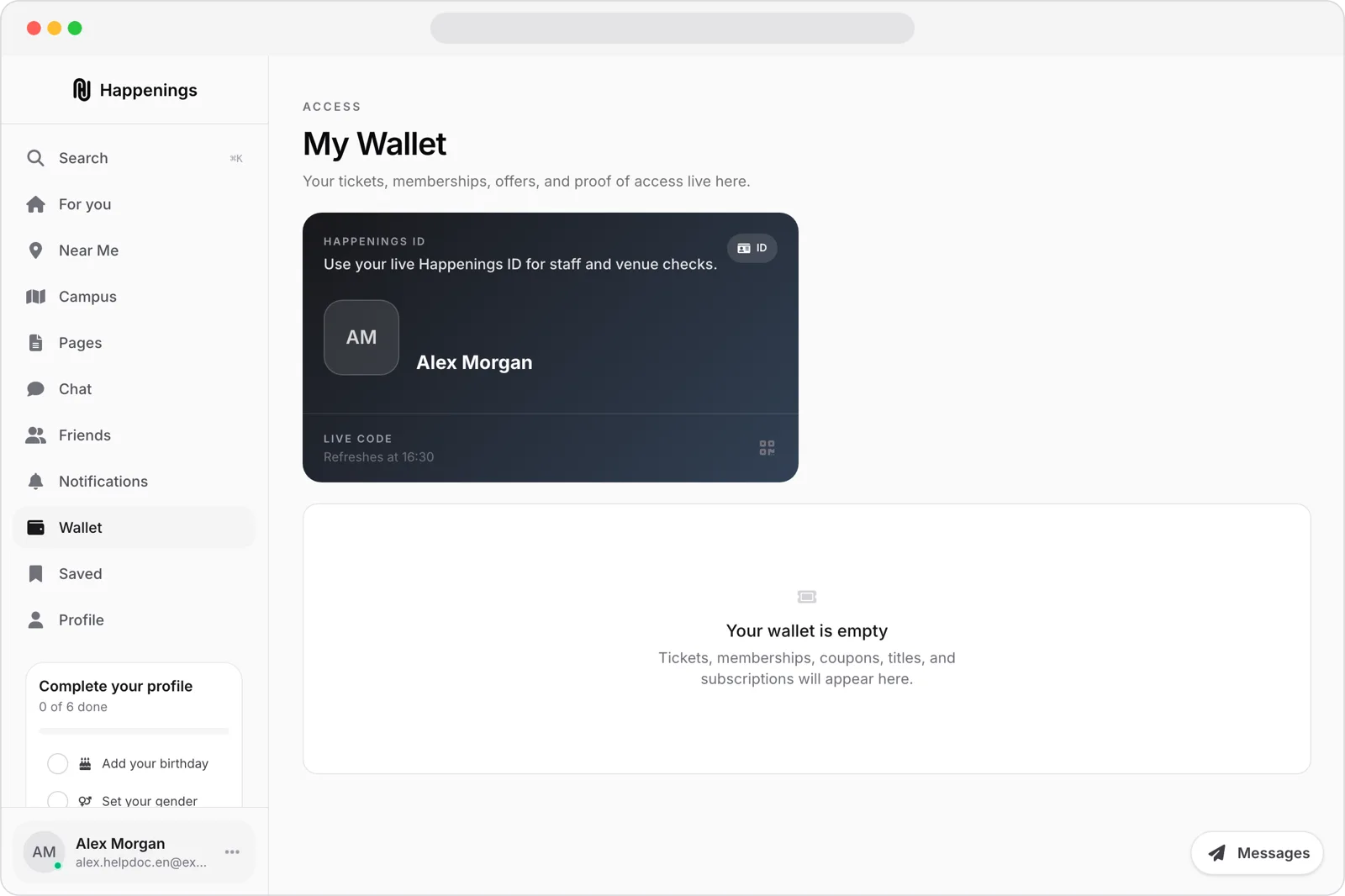
Check your Wallet
The voucher grants its configured item, such as tickets, a membership, coupons, or bundle contents. The resulting items appear in “Wallet.”
dealsticketsguide