Set up your page
Connect Web
Configure your page details and confirm where payouts are sent.
After creating your page, complete its settings and review its payout account. Follow these steps in your backoffice.
- 1
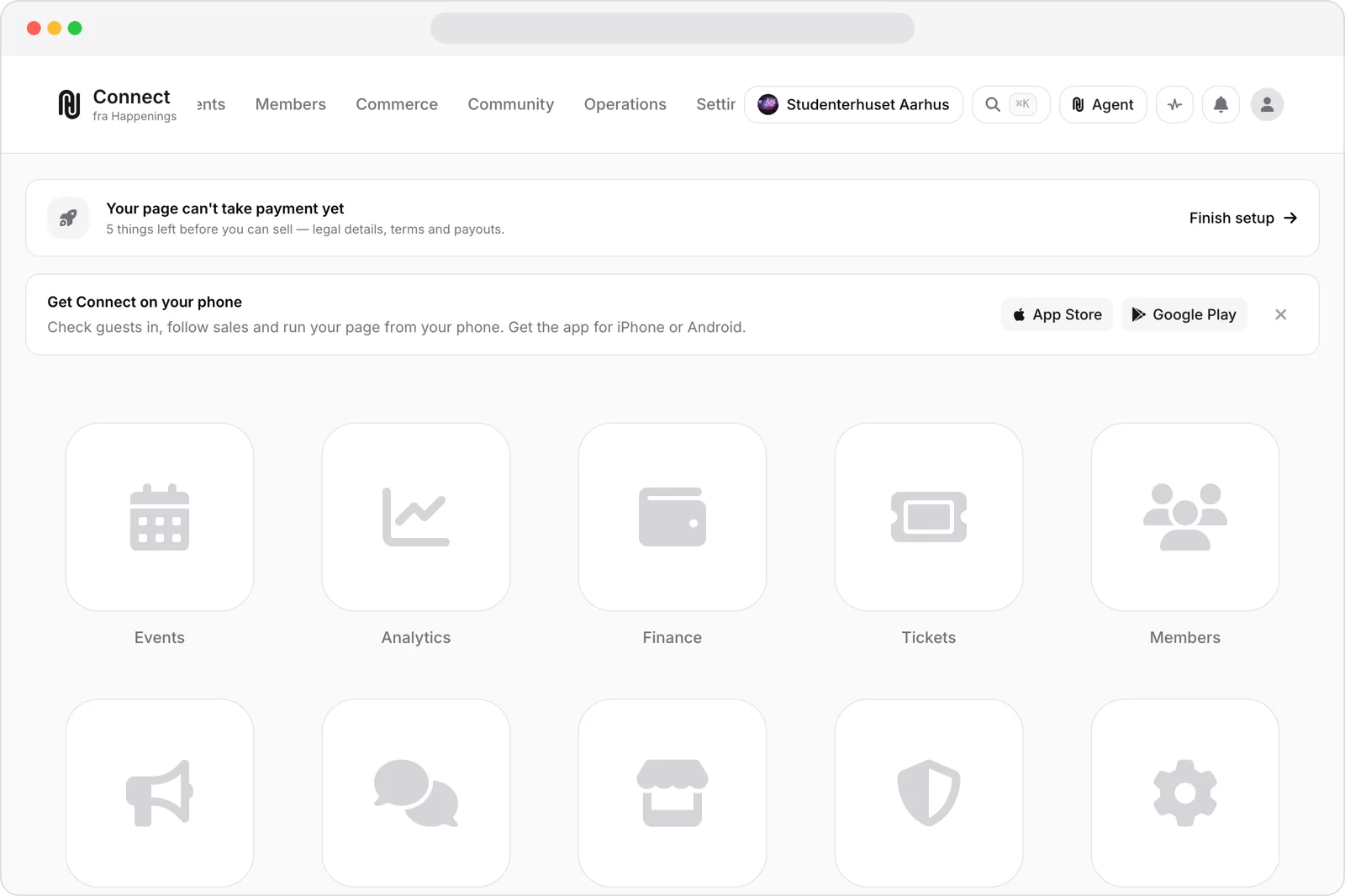
Open your dashboard
Start on your page’s dashboard. Select “Finish setup” to continue setting up your page.
- 2
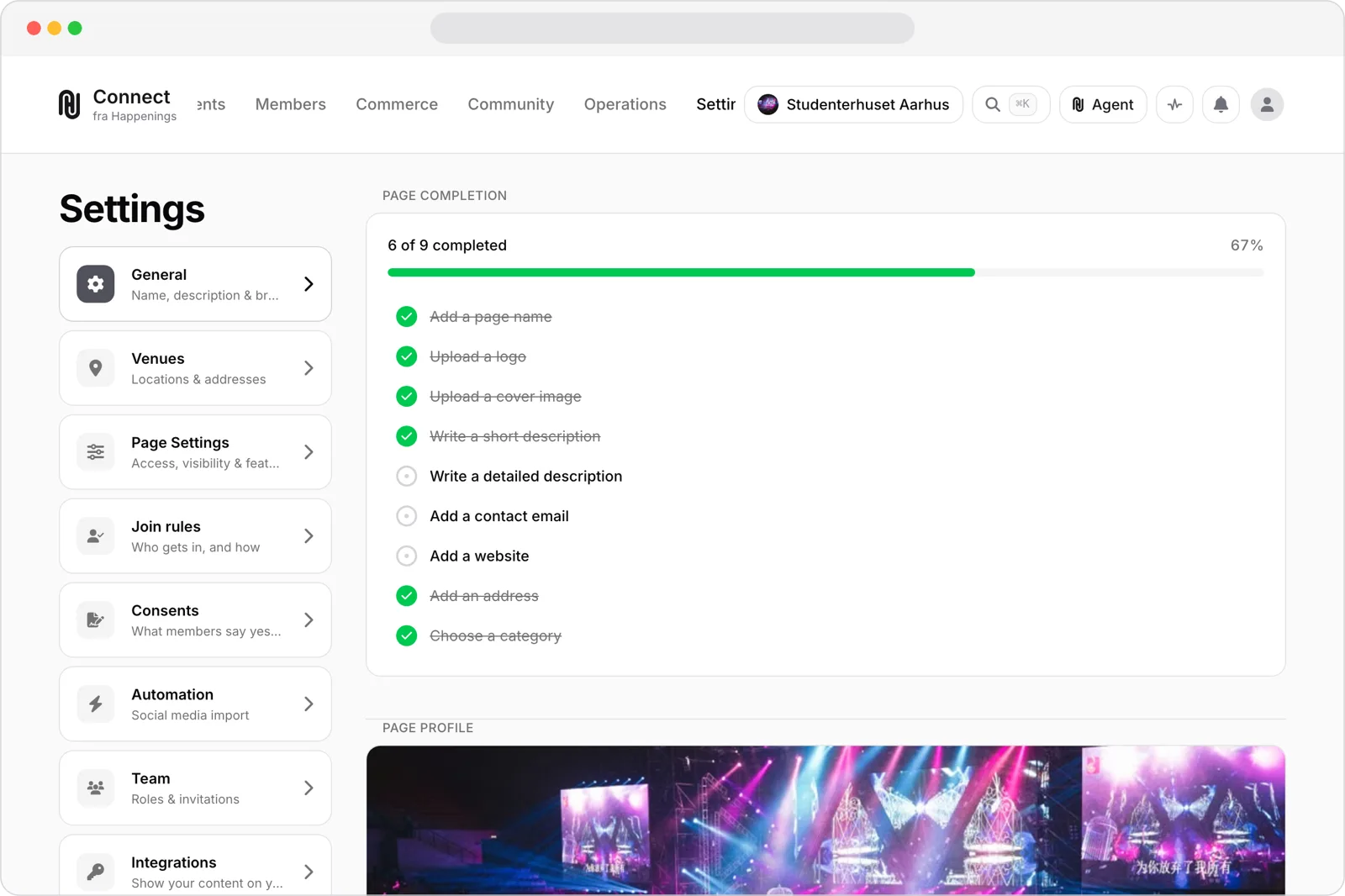
Configure your page
Open “Settings”. Use “General”, “Page Settings”, and “Join rules” to configure page details, access, and membership.
- 3
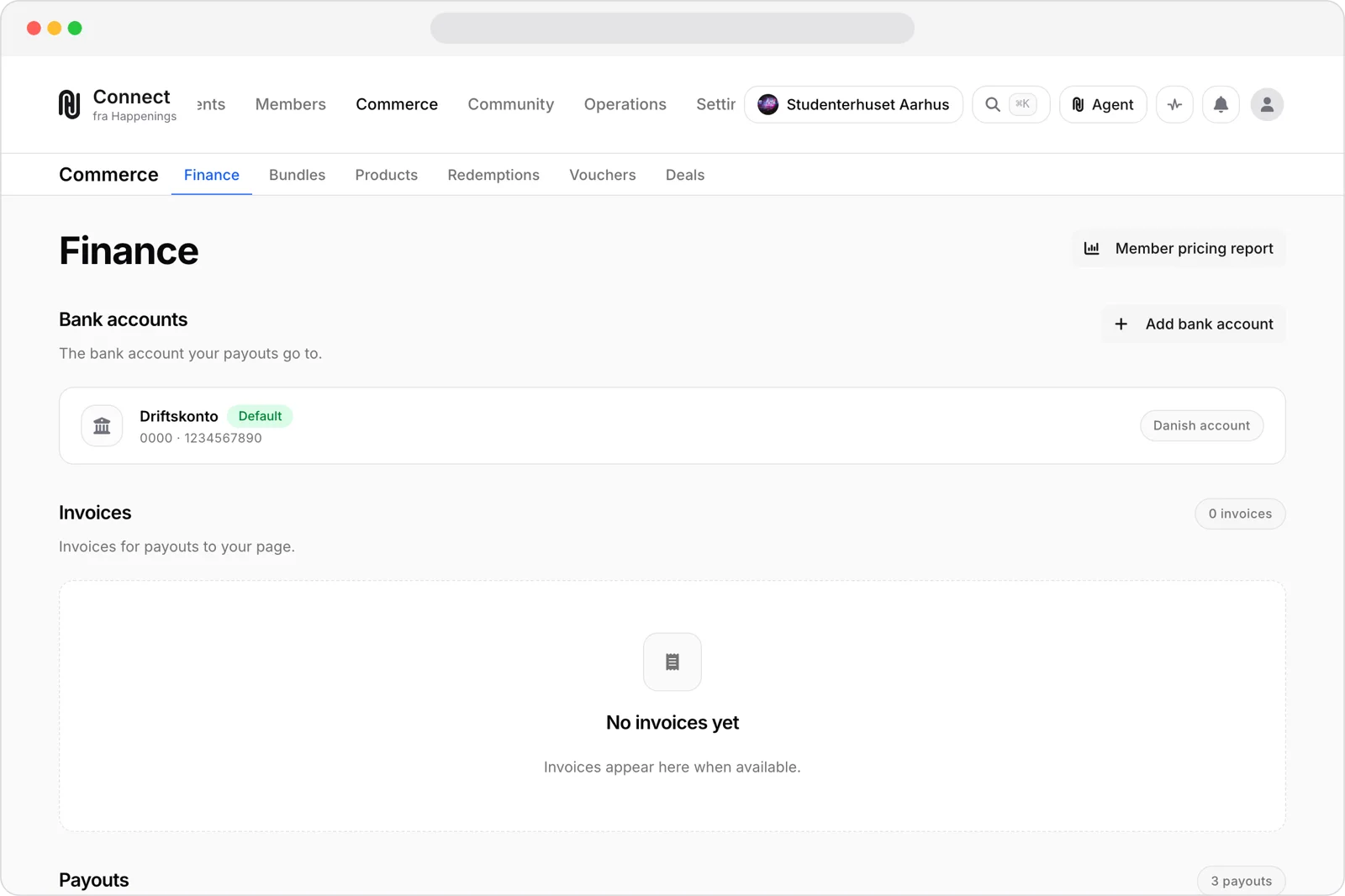
Confirm your payout account
Open “Commerce”, then “Finance”. Under “Bank accounts”, confirm the account used for your payouts.
page-adminonboardingguide