Create an event
Connect Web
Open the Events overview, start a new event, and add its key details.
Create an event from the backoffice. Add the essential details to get started.
- 1
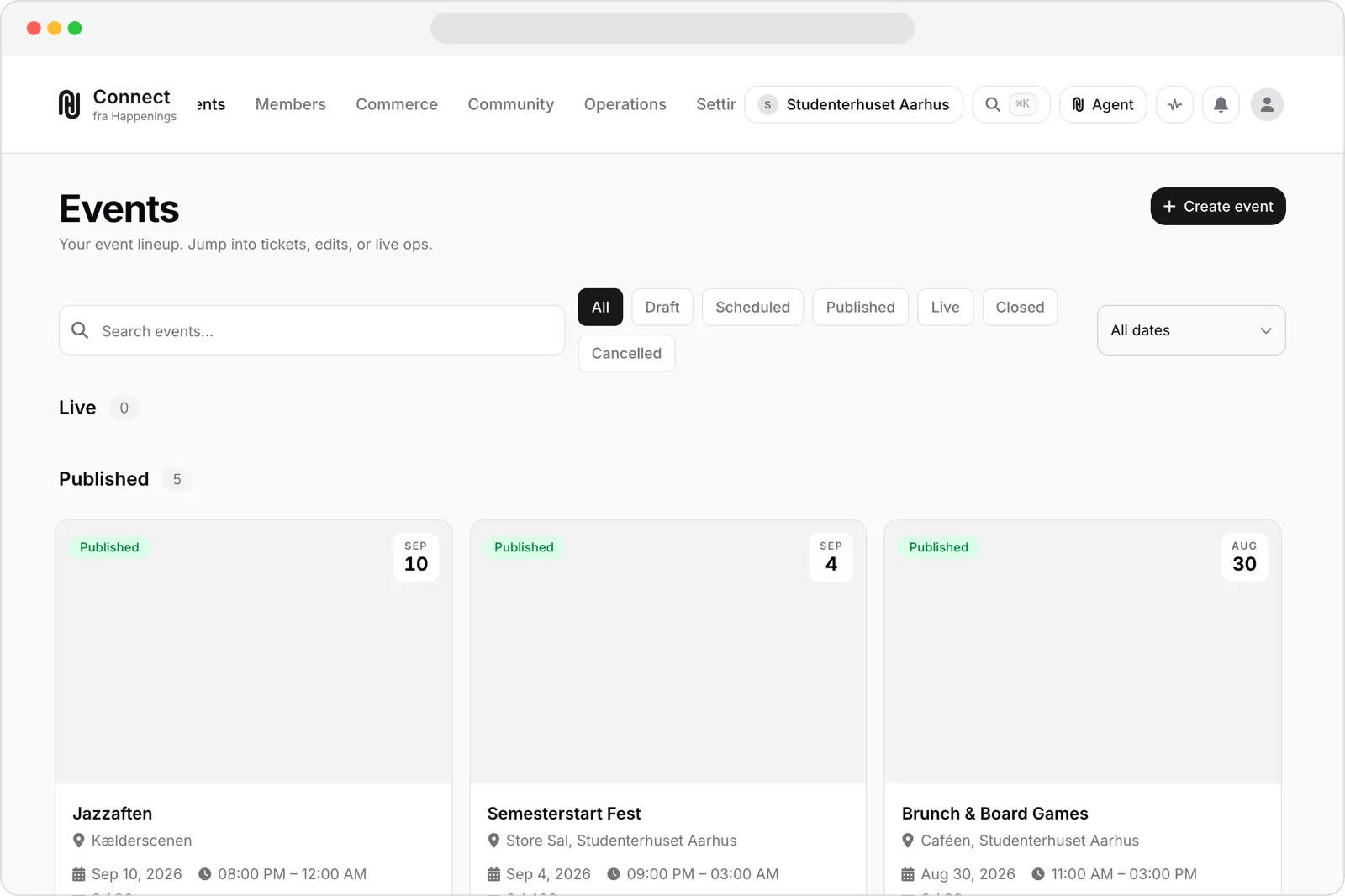
Open the events overview
Open the "Events" overview in the backoffice.
- 2
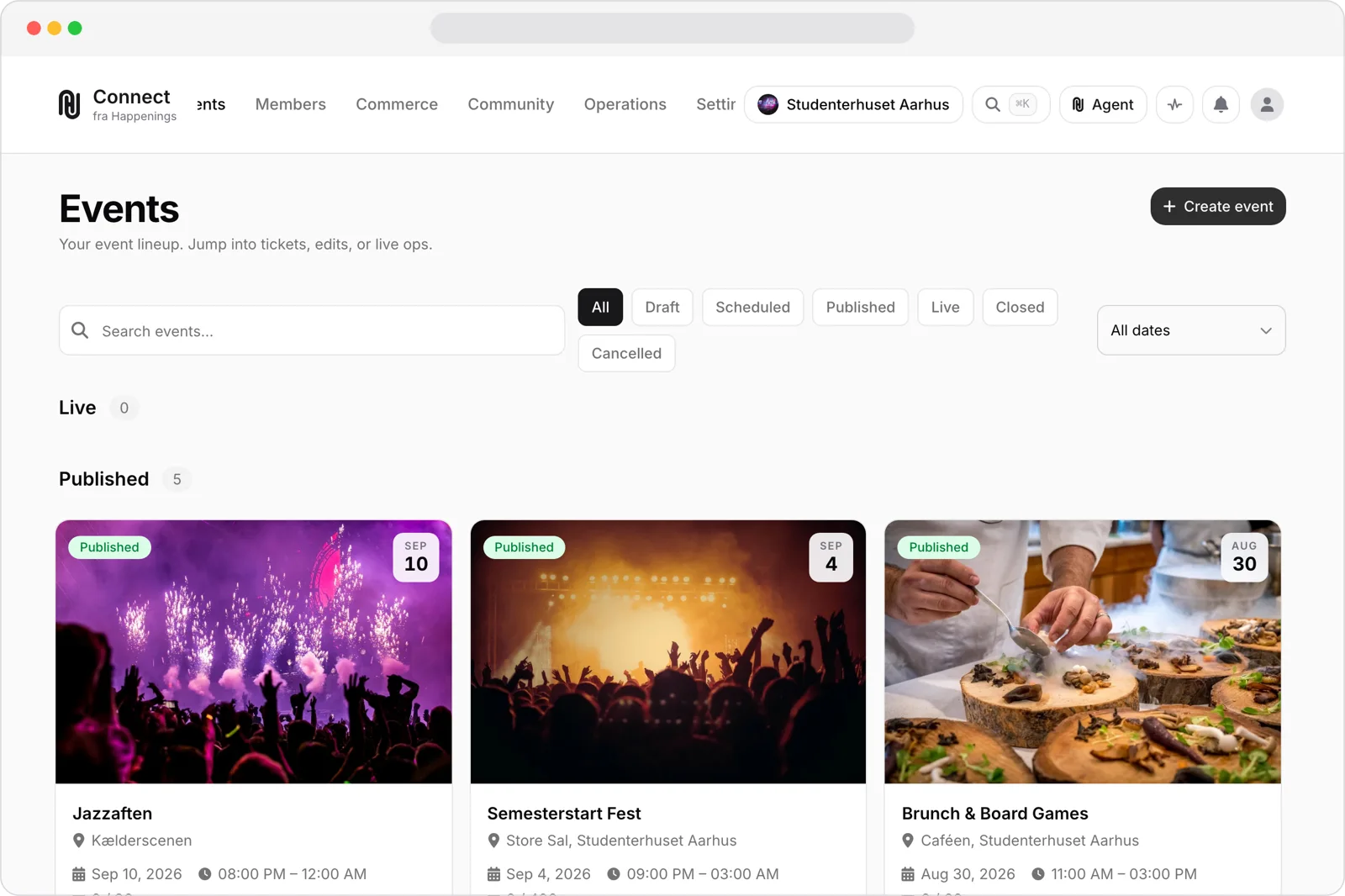
Start a new event
Select "Create event".
- 3
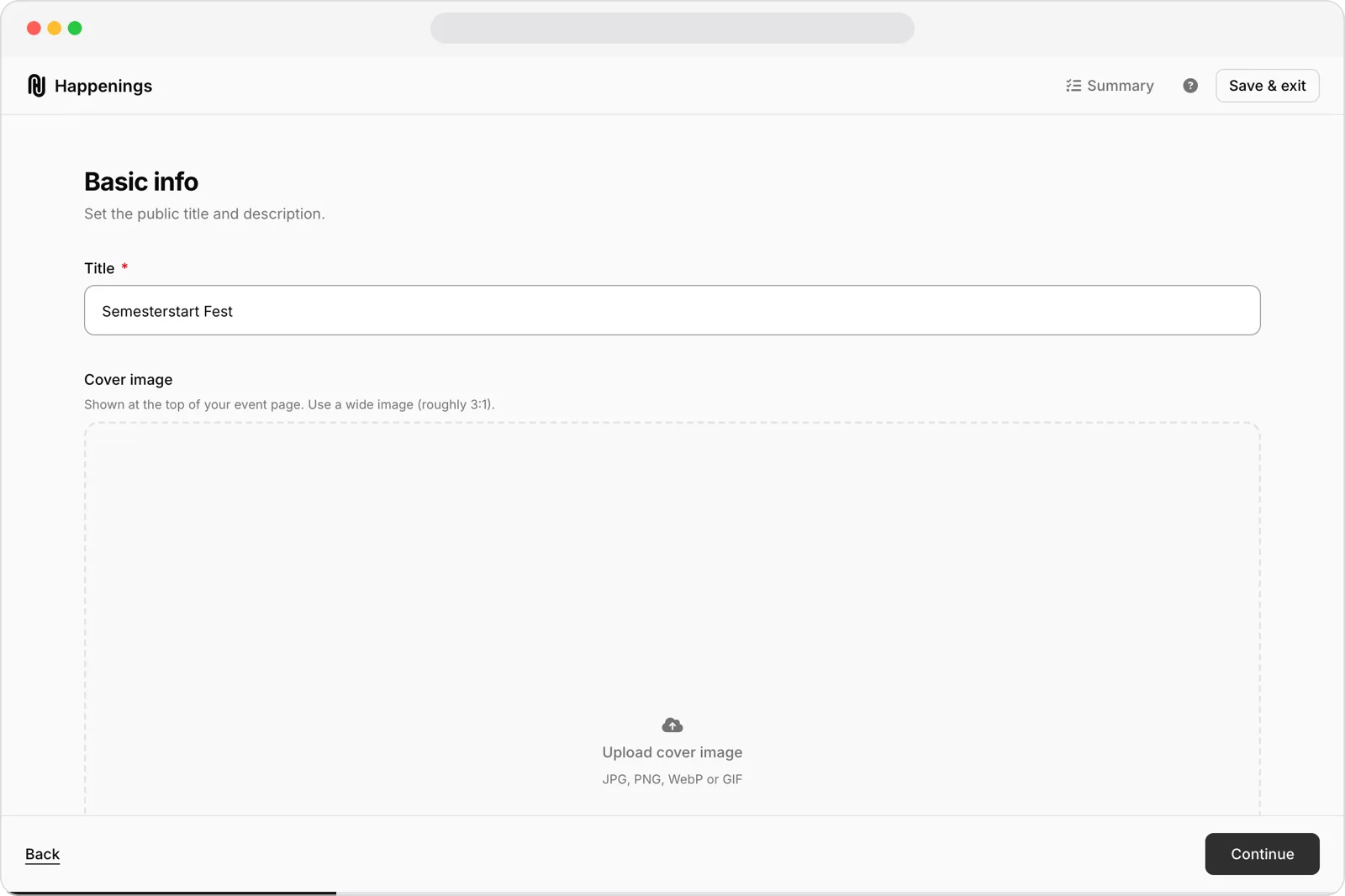
Add the event details
Enter the event name in "Title", then add the date and venue. Select "Continue".
Open the Events overview, start a new event, and add its key details.
eventspage-adminguide