Buy a membership
Happenings Web
Open a page, compare its membership options, and choose a paid plan.
You can review and buy a membership directly from a page on Happenings.
- 1
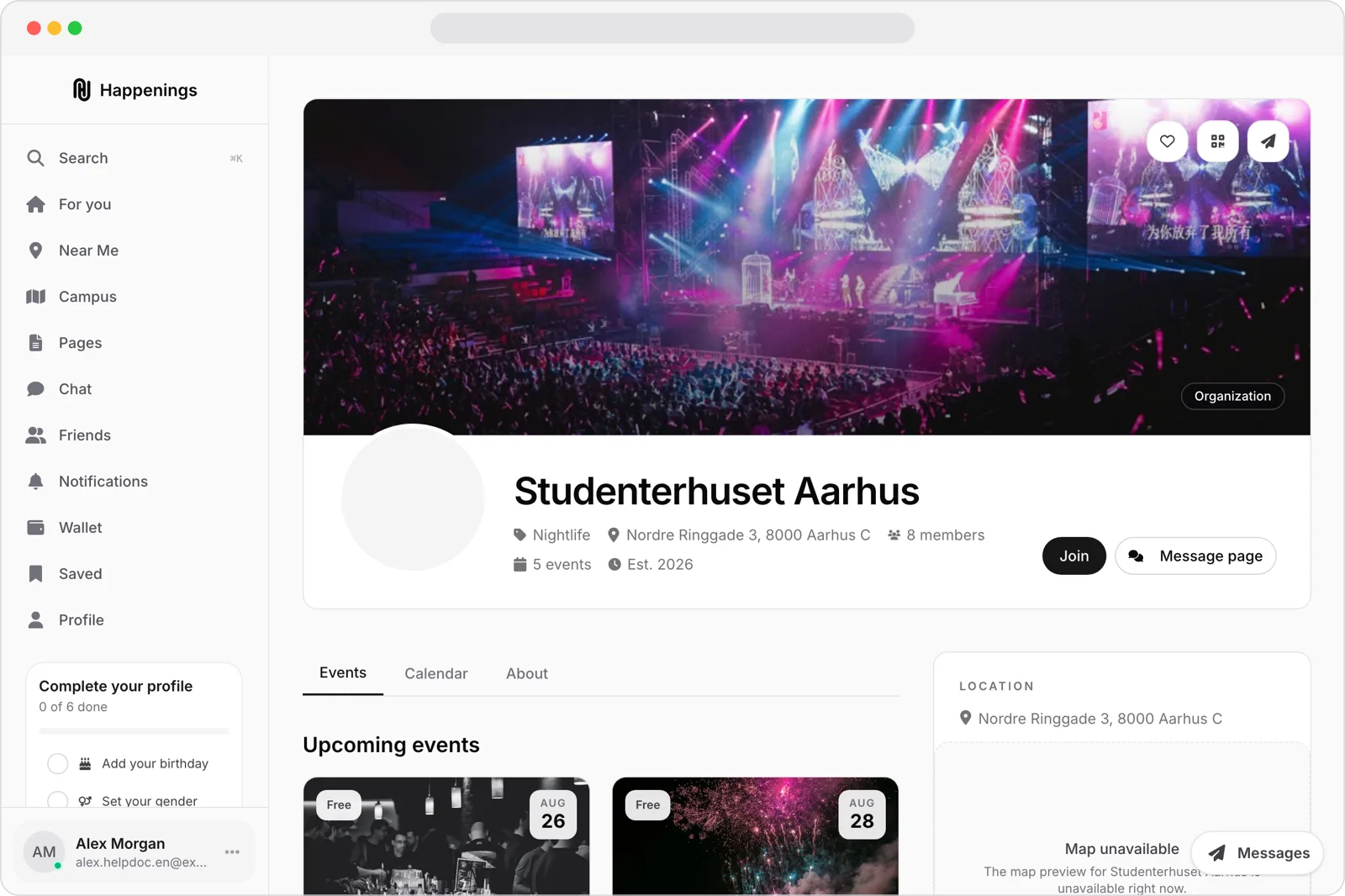
Open the page
Open the page whose membership you want.
- 2
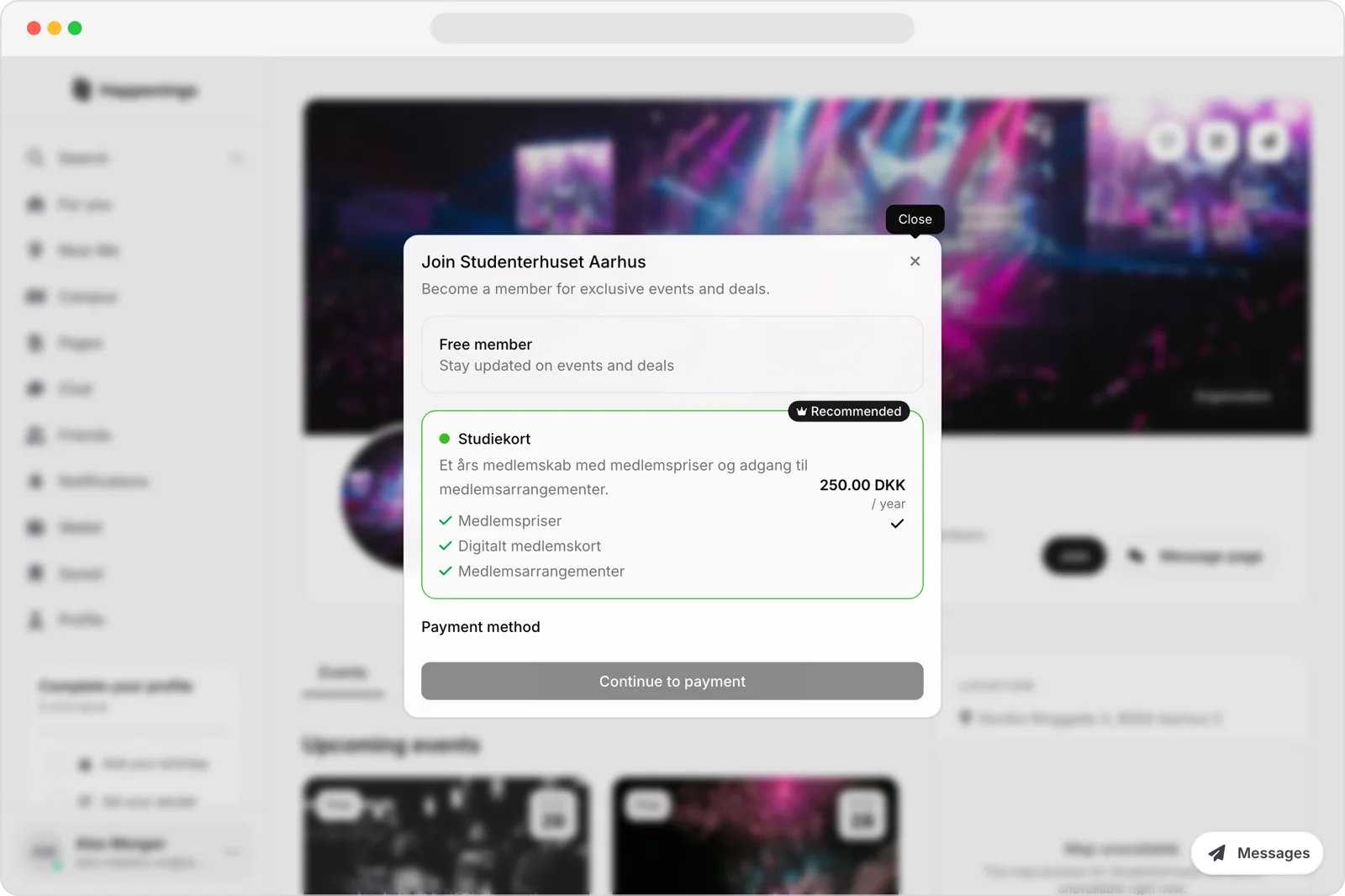
Compare the plans
Select Join to open the membership chooser. Compare the free option with the available paid plans.
- 3
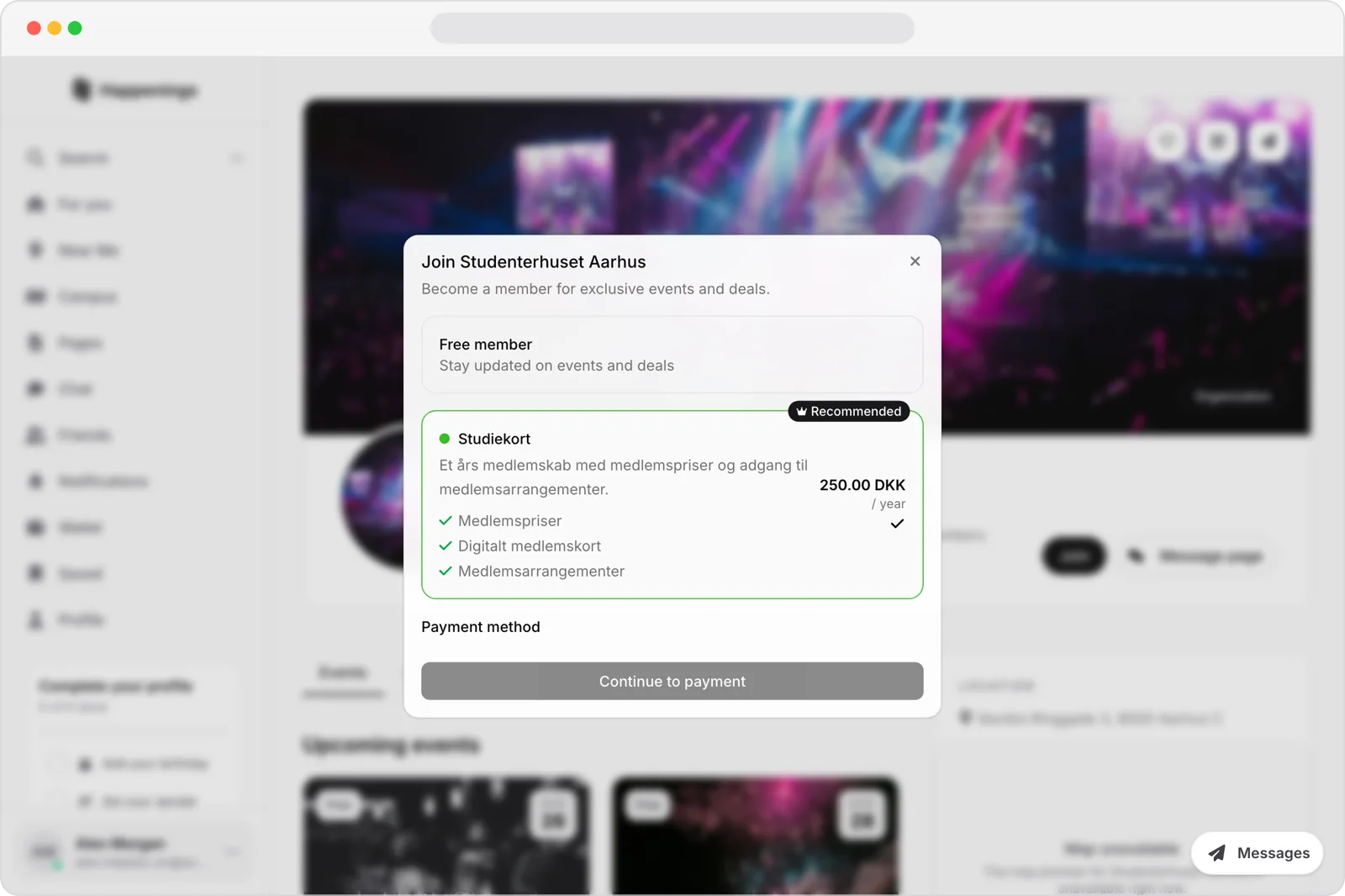
Choose a paid plan
Select the paid plan you want. Review its term, benefits, price, and any options under Payment method before selecting Continue to payment.
Open a page, compare its membership options, and choose a paid plan.
membershipspaymentsguide