Browse and use student deals
Happenings iOS
Find a student deal, review its details, and get the information you need to use it.
Browse student deals in Happenings and compare each offer. Open a deal when you want to view its code and redemption instructions.
- 1
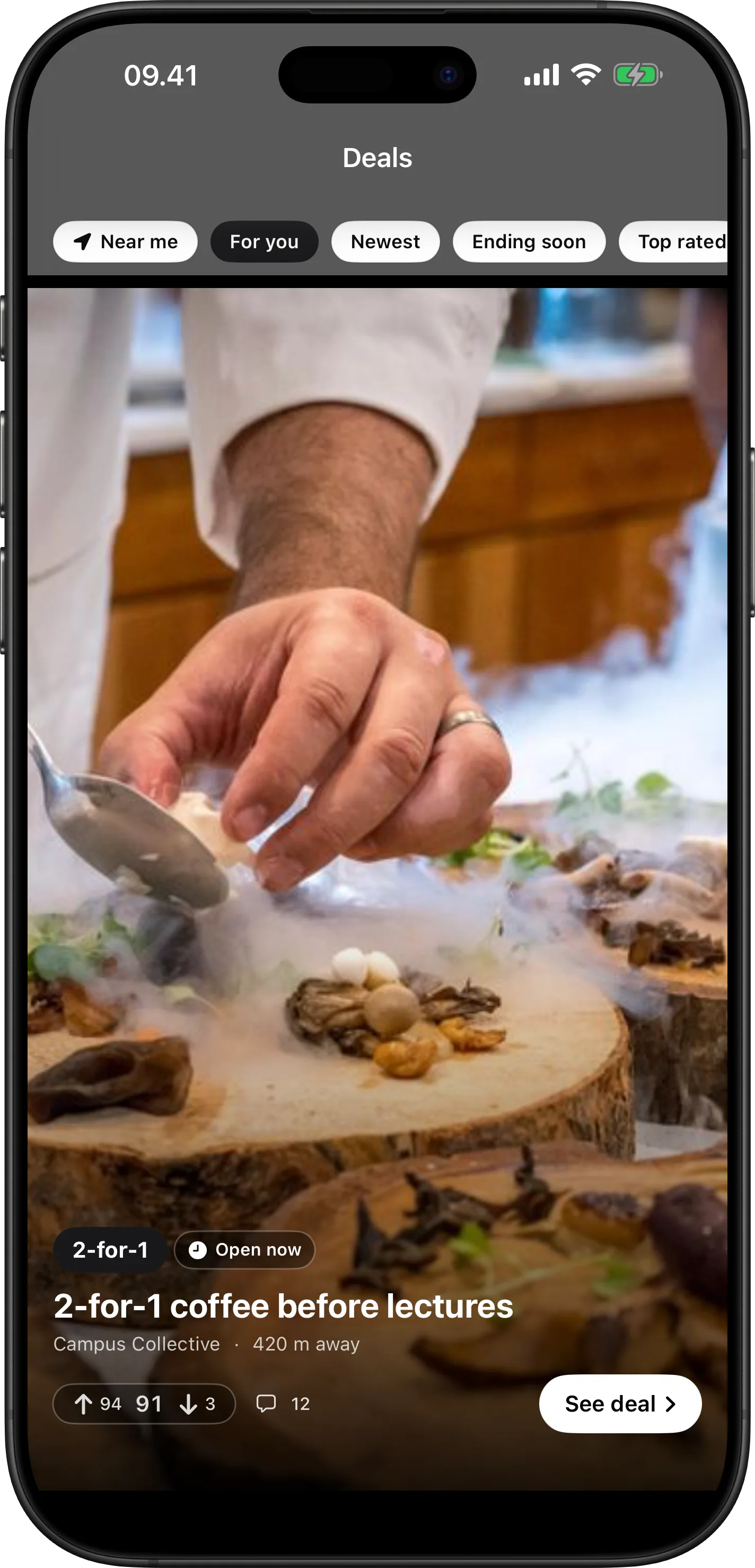
Browse student deals
Compare the offer, distance, availability, rating, and comments. Use “See deal” to open an offer.
- 2
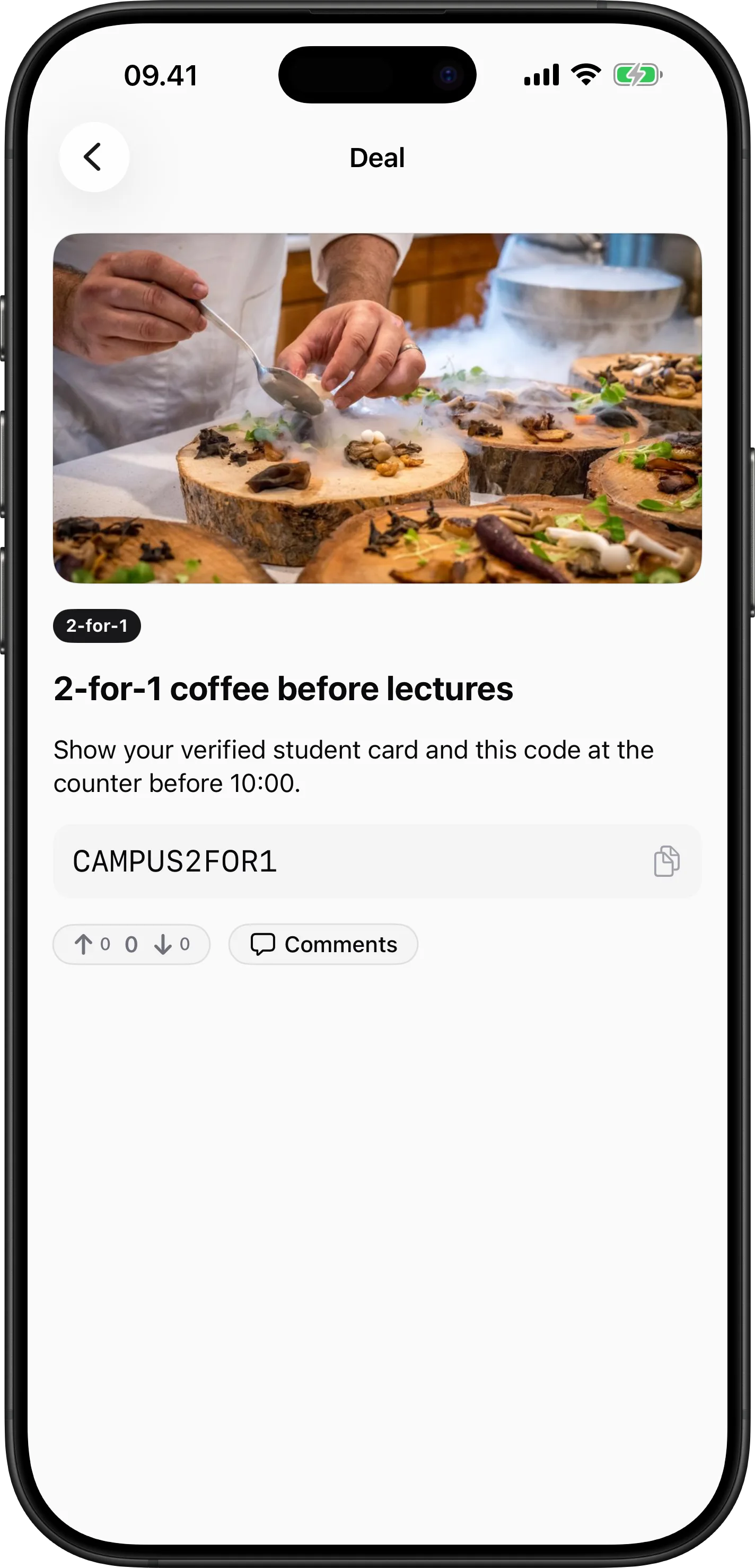
Review the deal
Read the redemption instructions and any timing requirements. Copy the displayed code when you are ready to use the deal.
dealsiosguide